
Can Deleted Files Be Recovered From an SSD?
SSD recovery needs a more conservative answer than HDD recovery. Modern SSDs often use TRIM, which can make deleted file content unavailable to recovery software after the drive processes the deletion.
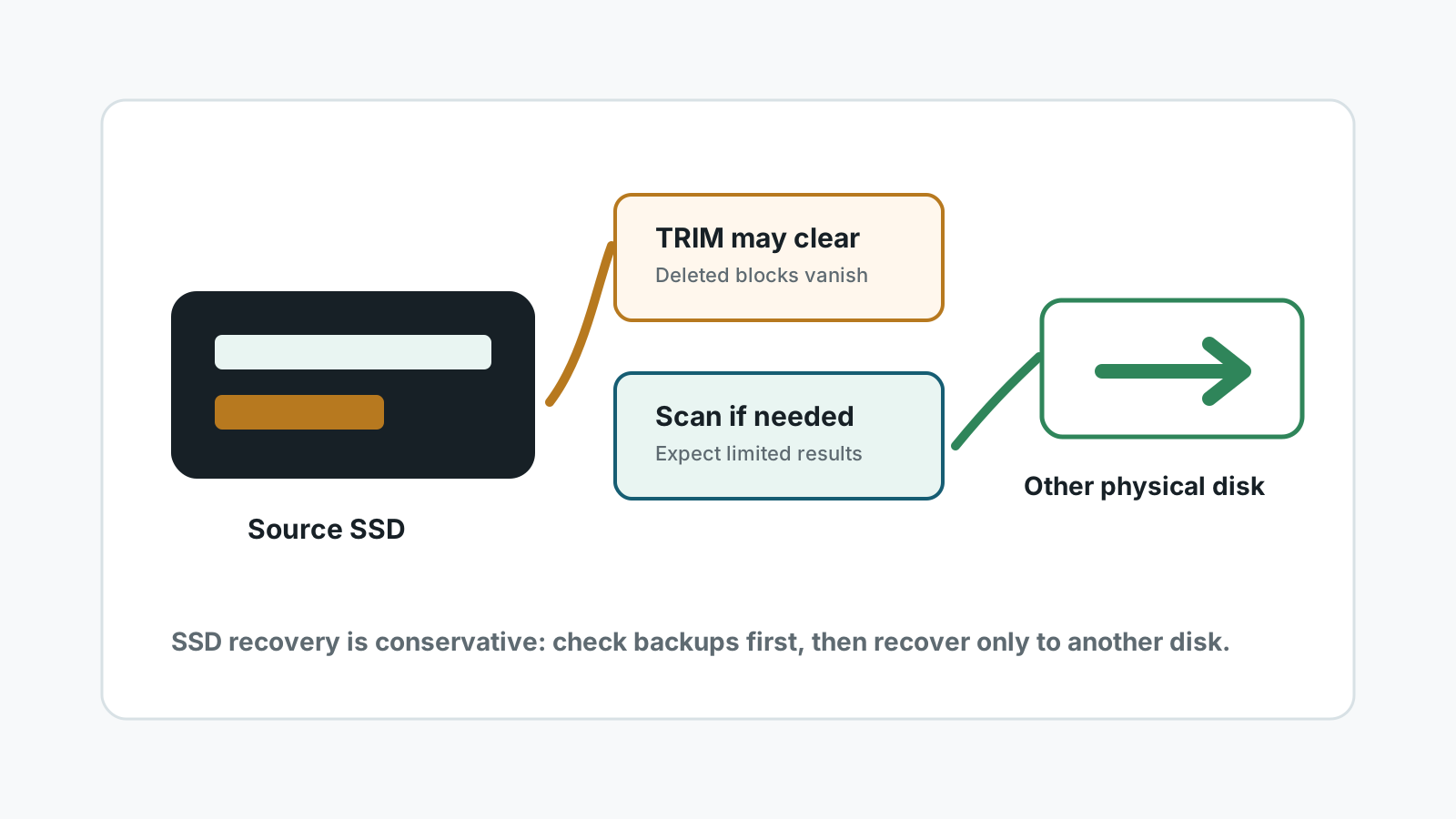
Why SSD TRIM changes recovery chances
On many modern Windows SSDs, deleting a file can trigger TRIM. TRIM tells the SSD that old blocks are no longer needed, and the drive may erase those blocks internally.
That means deleted SSD files are often less recoverable than deleted HDD files. A scan may still find metadata, thumbnails, older copies, cloud-synced copies, or files on non-TRIM paths, but it should not be treated as a guarantee.
What to try before scanning
Recycle Bin and cloud trash
Check Windows Recycle Bin, OneDrive, app trash, and synced folders before running recovery tools.
Backups and versions
File History, Previous Versions, and app version history are often better than SSD recovery after TRIM.
External or old SSD cases
Some external bridges, older SSDs, or disabled TRIM setups may leave more recoverable data.
No DIY for failing SSDs
If the SSD disappears, overheats, or is not detected, stop and use a specialist.
If you still run a local scan
1. Stop using the SSD immediately
Avoid installs, downloads, browser cache growth, and system cleanup tools.
2. Use another drive for the app and output
Do not install recovery software on the SSD that lost data. Save results to another physical disk.
3. Scan with realistic expectations
Review file previews and metadata, but expect fewer recoverable results when TRIM has already run.
4. Preserve important evidence
For business-critical data, power down and consult a professional before repeated scans.
SSD recovery limits
- TRIM can make deleted content unrecoverable by normal software.
- Disabling TRIM after deletion does not restore blocks already erased by the SSD.
- Deep scan may not recover original names or folders if metadata is gone.
- Physically failing SSDs require specialist diagnostics, not repeated DIY scans.
SSD deleted file recovery FAQ
Does TRIM mean recovery is impossible?
Often it makes normal software recovery unlikely, but exact results depend on the SSD, connection, timing, and whether backups or copies exist.
Should I keep the SSD powered on?
If the data is critical, powering down can reduce further background activity. For ordinary cases, at minimum stop writing to the SSD.
Can Recovery Studio scan SSDs?
It can run a local scan, but the page sets conservative expectations because TRIM may leave little recoverable data.
Where should recovered SSD files go?
Use another physical disk, not the SSD being scanned.