
How to Recover Deleted Files From an HDD on Windows
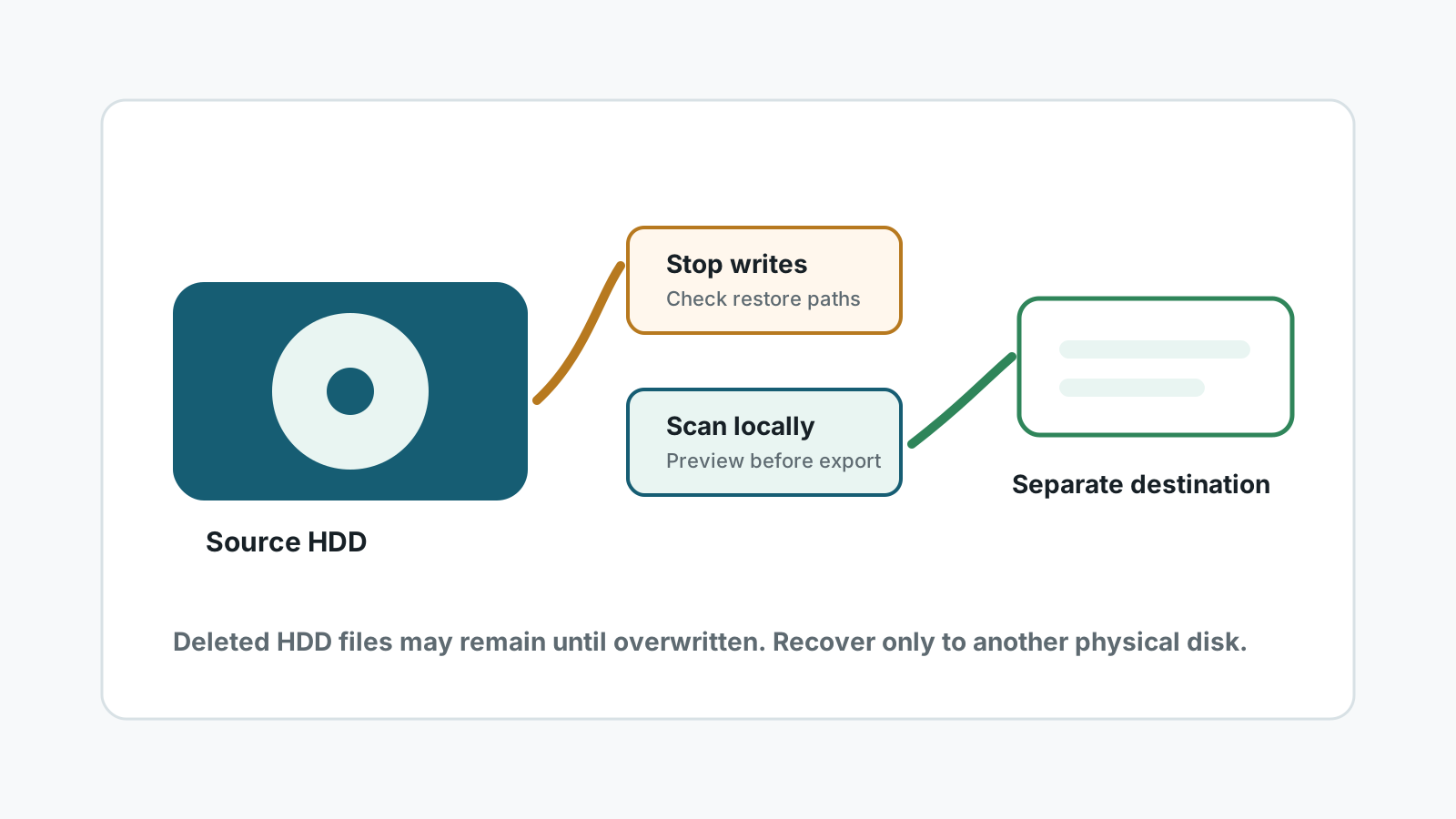
Deleted files on a hard disk drive may remain recoverable until the space is reused. The safest first move is to stop writing to that HDD and prepare a different physical drive for recovered files.
Can deleted files be recovered from an HDD?
Often, yes, if the file content has not been overwritten and the drive is healthy enough to read. On an HDD, deletion usually removes the directory reference first; the old content may remain in unallocated space for a while.
Recovery is still not guaranteed. Large new downloads, app installs, game updates, and Windows activity can reuse the same space before a scan finds it.
Check safer restore paths first
Recycle Bin
If the files are still there, restore them instead of scanning. This is the safest route and keeps names and folders.
File History or Previous Versions
A backup restore is usually more reliable than deep scanning and can preserve the original path.
Cloud or app copies
Check OneDrive, email attachments, Office autosave, editors, and shared folders before writing to the HDD.
Drive health
If the HDD clicks, spins down, or disappears, stop DIY recovery and use a specialist.
Safer HDD recovery workflow
1. Stop using the source HDD
Avoid installing software, downloading files, or saving anything to the affected drive.
2. Prepare a second physical disk
Use a separate internal drive, external SSD, or USB hard drive with enough free space.
3. Scan the HDD locally
Select the affected disk or partition, then review results by type, search, filters, and preview.
4. Recover only to the other disk
Open important files from the destination before you repair, format, or reuse the source HDD.
What can reduce recovery quality
- Overwritten sectors usually cannot be recovered by software.
- Deep scans may recover files with generated names and no original folder tree.
- Fragmented videos, large archives, and damaged documents may not open correctly.
- Mechanical symptoms such as clicking, scraping, or repeated disconnects are specialist cases.
HDD deleted file recovery FAQ
Is HDD recovery more likely than SSD recovery?
Often it is more practical after deletion because HDDs do not use SSD TRIM behavior, but overwritten data is still not recoverable.
Can original filenames be recovered?
Sometimes, when file system metadata remains. Deep scan results may use generated names instead.
Should I run repair commands before recovery?
Not if the files matter. Repair commands can change the file system. Recover or image important data first.
Where should I save recovered files?
Save them to another physical disk, never back to the HDD being scanned.