
How to Recover Deleted Files From an External Hard Drive
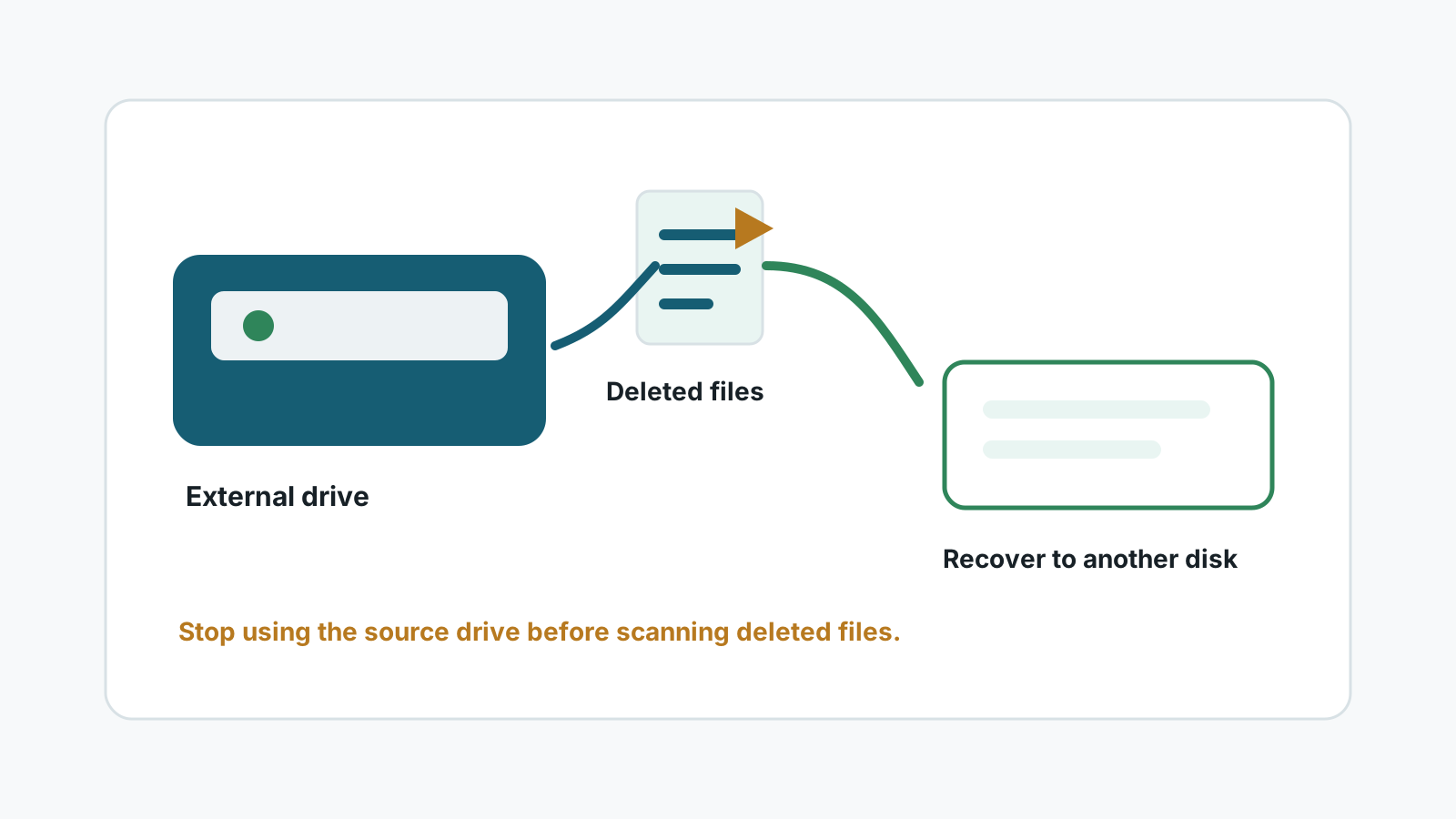
Deleted files from an external hard drive may not behave like files deleted from the Windows system drive. Some removable-drive deletions bypass the normal Recycle Bin, so the safest move is to stop using the drive and scan from a separate location.
What to check before scanning
- Look in the Recycle Bin, but do not assume external-drive deletions always appear there.
- Check File History, Previous Versions, OneDrive, and any backup software that watched the folder.
- Search another PC or external disk if the drive was shared between machines.
- Prepare a different physical disk for recovered files before you start.
Why deleted external drive files may still be recoverable
Deleting a file usually removes the visible record first. The file content may remain on the external drive until new files overwrite the same space.
Recovery chances fall after copying new files to the drive, running repair tools, formatting again, or using a failing drive that disconnects during reads.
A safer Windows workflow
1. Stop using the external drive
Avoid saving, moving, or downloading anything to the drive after deletion.
2. Install Recovery Studio elsewhere
Run recovery software from the Windows system drive or another disk, not from the affected external drive.
3. Scan the external drive
Select the external HDD or SSD as the source and filter results by type, size, and preview availability.
4. Recover to a separate disk
Export selected files to another physical drive so the source is not overwritten.
Mistakes that reduce recovery chances
- Copying new photos, videos, or backups to the same external drive.
- Installing recovery software on the source drive.
- Recovering test files back to the same drive.
- Ignoring clicking sounds or repeated disconnects.
FAQ
Do deleted external drive files go to the Recycle Bin?
Sometimes, but not always. It depends on how the drive is configured and how the deletion happened.
Can original names and folders be recovered?
Sometimes. Deep scans may use generated names if file system metadata is missing.
Can I save recovered files to the same external drive?
No. Use a different physical disk to avoid overwriting remaining recoverable data.
When should I stop and use a specialist?
Stop if the external drive clicks, disconnects repeatedly, overheats, was dropped, or is not detected consistently.