
Is Data Recovery Software Safe to Use?
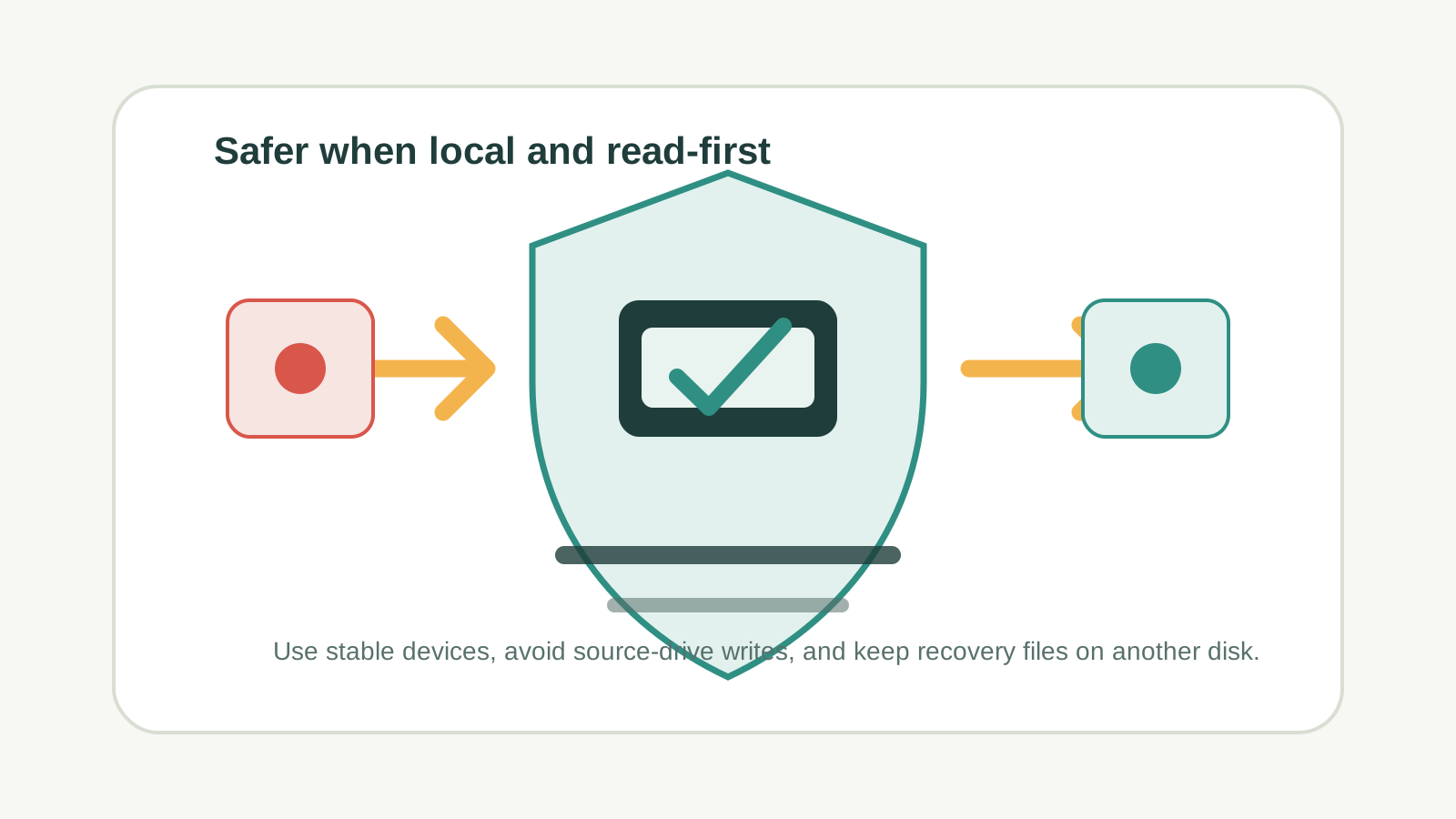
Data recovery software is not automatically dangerous, but the way you use it matters. A safer tool should scan locally, avoid uploading user files, and help prevent recovery output from being written back to the source drive.
When recovery software is usually reasonable
- The source device is detected and stable enough to read.
- The loss was deletion, quick format, missing files, or a logical file system problem.
- You can install and export away from the source drive.
- You understand that recovery is an attempt, not a guarantee.
What can make software use unsafe
Writing to the source drive
Installs, downloads, recovered output, and repair commands can overwrite recoverable data.
Scanning failing hardware repeatedly
A clicking, overheating, or disconnecting drive can deteriorate during repeated reads.
Cloud upload claims
Data recovery should be clear about whether files stay local. Recovery Studio is positioned around local scanning.
Overpromising results
No software should promise 100% recovery or guaranteed original names and folders.
Safety checks before you scan
1. Identify the source
Confirm which disk, partition, USB drive, external drive, or card actually lost the files.
2. Check device health
Stop if the drive clicks, disappears, smells burnt, heats abnormally, or contains irreplaceable data on unstable hardware.
3. Keep the workflow local
Use tools that scan on your Windows PC and avoid uploading personal files for recovery.
4. Export elsewhere
Recover selected files to another physical disk and verify them from that destination.
How Recovery Studio fits
Recovery Studio is designed for local Windows recovery workflows: choose a source, scan locally, review categorized results, preview supported files, and export selected files to a safe destination.
It is not a physical repair service. If the device is mechanically damaged or unstable, a professional lab is safer than repeated software scans.
Recovery software safety FAQ
Can recovery software make things worse?
Yes, if you install it on the source drive, save recovered files back to the source, or repeatedly scan failing hardware.
Are my files uploaded during recovery?
Recovery Studio is designed for local Windows scanning and recovery. The site should not imply that user files are uploaded for recovery.
Is a read-only scan always harmless?
A stable logical-loss drive is usually a reasonable scan candidate, but failing hardware can get worse from repeated reads.
What claims should I distrust?
Be cautious with tools that promise 100% recovery, guaranteed filenames, fake awards, or unclear upload behavior.